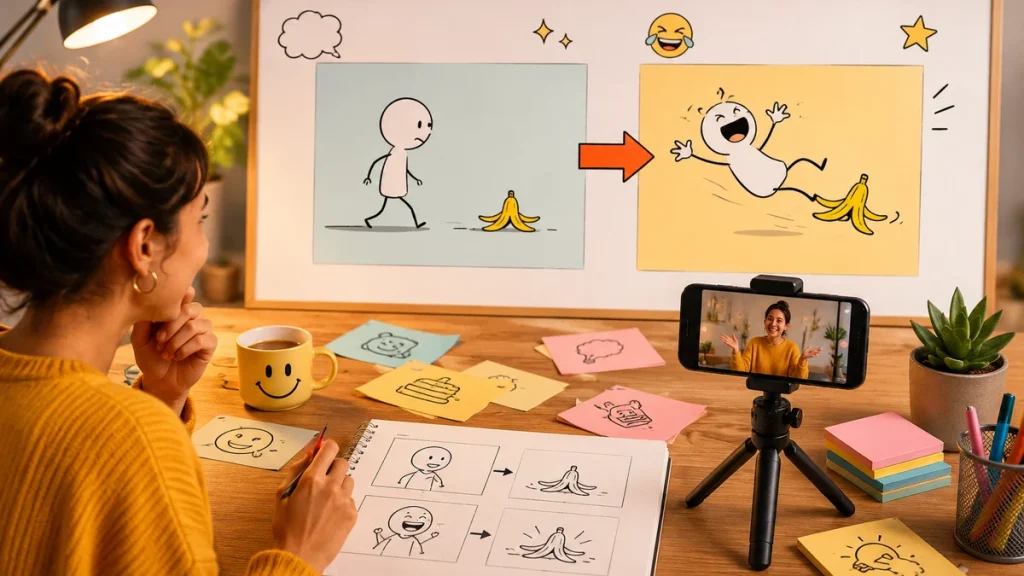
A good caption can carry a post, but sometimes a caption wants a scene. A food pun, holiday joke, work joke, or playful one-liner can become a short video if the creator knows how to turn words into a visual moment. The trick is not to explain the joke too much. The trick is to give the joke a setting, a subject, and one small action.
That is where a Seedance 2.5 AI can help. Instead of starting with a blank editing timeline, you can start with the caption and build a tiny scene around it: who is there, what moves, what the camera does, and what feeling the viewer should get in the first second.
Concept visual: a funny caption becomes a three-shot short video plan.
A caption is not a prompt yet
“Feeling saucy today” is a caption. It is not yet a video prompt. To make it useful, add the visual pieces: a bowl of chips and dip on a picnic table, a hand reaching in, warm party lighting, playful close-up, slow push-in. The caption gives the tone. The prompt gives the model something to show.
The same idea works for work puns, sports puns, holiday captions, and quick jokes. If the caption is abstract, make the scene concrete. If the caption is already visual, keep the scene simple and let the line do the work.
Use a three-part humor prompt
A practical prompt for caption videos has three parts. First, describe the scene: the object, place, or person. Second, describe the action: one motion that can happen in a few seconds. Third, describe the joke tone: playful, deadpan, cozy, dramatic, chaotic, or wholesome.
For example: “A dramatic close-up of a single tortilla chip dipping into salsa at a summer party, slow-motion push-in, playful food comedy tone, vertical short video.” That gives the visual enough structure without forcing the model to invent too much.
Text-to-video works when you need a new scene
If you do not already have a photo, text-to-video is usually the cleaner starting point. A Seedance 2.5 text-to-video prompt can turn a caption idea into a short clip by describing the scene directly. This is useful for jokes about seasons, work, school, pets, food, or everyday awkward moments where you want a visual but do not have footage.
If you already have a photo, image-to-video may be better. But for a fresh joke scene, text-to-video lets you write the whole setup from scratch.
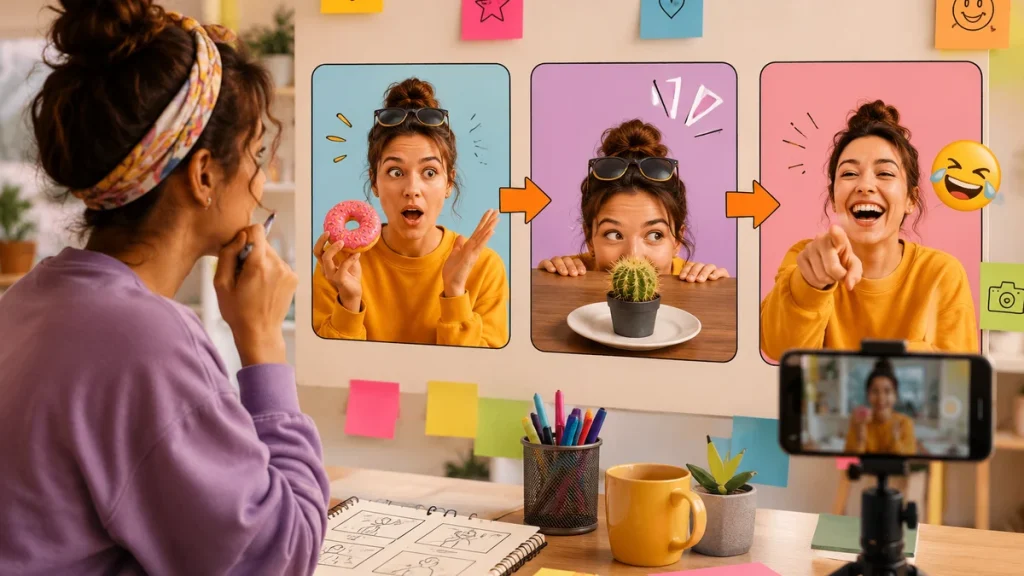
Workflow illustration: caption, scene, camera move, and final review before posting.
Keep the joke readable
Short AI videos are not great places for complicated humor. The viewer should understand the scene before the caption lands. If the visual is too busy, the joke gets buried. Use a clean background, one subject, and one camera move. Save wordplay for the post caption or overlay text added later in a normal editor.
A good rule: if you need three sentences to explain why the clip is funny, the idea is too big for a short AI video. Shrink it to one object, one action, and one punchline.
Match the joke to the platform
A pun list article can be long and generous. A short video cannot. For Instagram or TikTok, the clip should work even if someone only watches once. For Pinterest, the visual should be clean enough to save. For a blog post, the video can be an example that supports a caption list or social media guide.
Creators can also make several versions from the same caption. One can be cozy. One can be dramatic. One can be absurd. Testing tone is part of the fun, but the caption should still feel like the original idea.
Review before posting
Humor can drift when the image is generated. Check that faces, hands, food, signs, and background objects look normal. Do not use generated people to imply a real person said or did something. Avoid jokes that depend on protected identity, body shaming, private individuals, or unsafe behavior. If the clip feels meaner than the caption, rewrite the prompt.
Also check for unwanted text. AI video can create strange fake writing on signs, shirts, or packaging. If text appears and it matters, regenerate with a cleaner scene or add the real caption later in your editing app.
A simple example workflow
Suppose the caption is a food pun for a summer snack post. The creator first writes the caption, then identifies the visual object behind it: chips, dip, picnic table, and one reaching hand. The prompt asks for a playful close-up and a slow push-in. The joke stays in the caption, while the video simply gives the caption a stage.
The same structure works for non-food jokes. A work pun might use a coffee cup and laptop. A travel pun might use a suitcase and boarding pass. A holiday pun might use a table decoration or card. The more concrete the setup, the less the AI has to invent.
For a pun-focused site, the article can include short prompt examples beside caption examples. That gives readers more than a list of lines: it gives them a way to turn the line into a post, Reel, or story. The article still keeps the playful tone, but it adds a practical creator workflow.
The practical takeaway
A funny caption becomes a better AI video when it gets a specific scene. Start with the line, choose one subject, add one action, pick a tone, and keep the visual clean. The caption stays in charge; the video simply gives it a stage.
For captions that need cleaner visual timing, the Seedance 2.5 prompt guide can help creators turn a joke setup into a specific scene instead of a vague prompt.