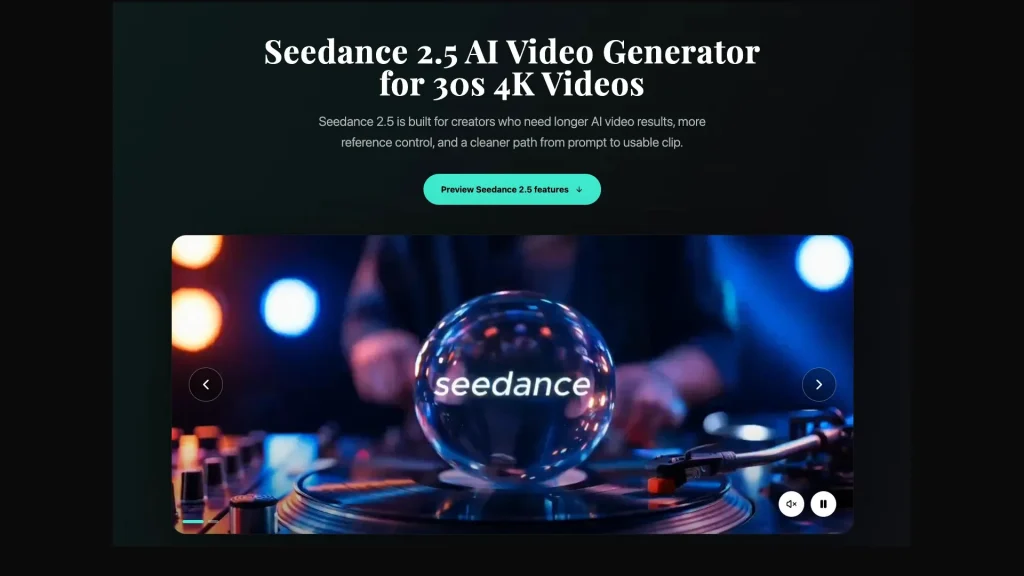
Seedance 2.5 has arrived with a clear message for creators: AI video is becoming less about short visual experiments and more about controllable, usable video drafts.
AI video tools have had no trouble getting attention. A polished clip, a dramatic camera move, or a surreal scene can stop people from scrolling. But after the first reaction, creators usually ask a more practical question: can this tool help me make something I can actually use?
That is the reason the release of Seedance 2.5 is worth a closer look. It is not just another model name in a crowded AI video category. It brings the conversation back to the real parts of video work: longer scenes, references, editing, camera control, and whether a first draft can become useful without starting over again and again.
Why This Release Matters
The biggest shift is simple. AI video is moving from quick tests toward longer creative drafts. Short clips are fun, but many ideas need more time to breathe. A product story, a short explainer, a brand moment, or a scene with a beginning and ending often needs more than a few seconds.
Seedance 2.5 is designed around that need. Its feature set centers on longer single-segment video output, 4K video generation, richer reference inputs, second-level scene control, and more flexible local editing after generation.
For creators, that means the starting point changes. Instead of thinking only about one prompt, the user can think about the whole scene: what appears first, what changes, where the camera moves, what needs to stay consistent, and what should be fixed later.
Longer Clips Make AI Video More Useful
A longer clip is not automatically better, but it gives creators more room. In supported workflows, a product can be introduced, shown in motion, and finished with a clear visual beat. A character scene may have more space to develop without feeling cut short. A tutorial or explainer can carry one idea from setup to result.
This matters because many AI videos look impressive but feel incomplete. They show a moment, not a story. Longer output may help bridge that gap by giving creators more room to shape pacing, transitions, emotional beats, and stronger endings.
For social videos, ads, landing page visuals, and concept drafts, that extra room can make the difference between a nice demo and something a team can review seriously.
References Are the Real Upgrade
Good AI video does not only depend on better prompts. It also depends on better context. Text can describe a scene, but it cannot always preserve a product shape, a character look, a camera style, or a motion rhythm by itself.
That is why reference inputs are important. Images can help anchor visual identity. Video references can guide motion or camera behavior. Audio can help shape timing, mood, or atmosphere. The more clearly these materials are organized, the less the model has to guess.
This is where the Seedance 2.5 release becomes useful for creators who want to look beyond a single eye-catching prompt. A sensible first step is to compare different reference setups and review which ones seem most useful for stable, practical drafts.
What Creators Should Look at First
For a first look at Seedance 2.5, simple use cases make more sense than a complicated scene. A clear prompt, one reference, and a narrow goal will usually reveal more than an overloaded creative brief.
Useful areas to check first include:
- Product consistency: use a product image and check whether the object stays recognizable across motion.
- Camera movement: try a slow push-in, orbit, pan, or follow shot and review whether the movement feels intentional.
- Image-to-video: start from a still image and see whether the generated motion keeps the style and subject stable.
- Longer scene pacing: plan a scene with a beginning, middle, and ending instead of a single visual moment.
- Local editing: review whether one detail can be adjusted without losing the strongest part of the original scene.
These tests are practical because they match real creative work. Most teams are not looking for random clips. They need drafts that can support a campaign, a product page, a pitch, a social post, or a storyboard.
Editing After Generation Is a Big Deal
One of the most frustrating parts of AI video is redoing everything because one detail is wrong. A product label changes. A background object appears in the wrong place. A costume or color choice does not match the brief. If every small fix requires a full restart, the workflow slows down quickly.
That is why local editing matters. The ability to refine one part of a generated video may make the process feel closer to real production. In practice, the goal is to keep what works and fix what does not, instead of treating every generation as disposable.
This does not remove the need for human judgment. It actually makes judgment more important. The creator still needs to decide which clip is worth saving, which detail needs revision, and whether the final result serves the idea.
Where Seedance 2.5 Fits
Seedance 2.5 is best understood as part of a bigger change in AI video. The category is moving from novelty toward direction. Creators want tools that can work with references, hold scene structure, support longer clips, and leave room for revision.
That makes it useful for several kinds of work:
- short product videos;
- social media campaign drafts;
- website and landing page visuals;
- creative pitch materials;
- storyboard testing;
- training or explainer clips;
- music, motion, and visual storytelling experiments.
The real value is not that every clip will be perfect on the first try. The value is that creators may be able to reach a better first draft faster, then review and refine it with more control.
Final Thoughts
The release of Seedance 2.5 shows where AI video is heading. The strongest tools will not only generate attractive motion. They will help users direct scenes, organize references, explore longer ideas, and fix details without losing the whole draft.
For creators, that is the part worth looking at first. Start with a clear brief. Use references with purpose. Try one feature at a time. Review the full clip, not just the best frame.
Seedance 2.5 is not just about making AI video look better. It is about making AI video easier to direct, review, and turn into something usable.